If you just received an "AirTag Found Moving With You" notification and are wondering why you're getting it and how to get rid of it, you're in the right place. We walk you through the basics of AirTag, the top reasons why you might be receiving this AirTag notification, and how to resolve the issue.
What Is An AirTag and How Does It Work?

First, let's cover the basics. An AirTag is a small, disc-shaped device from Apple that helps you track your belongings, such as keys, wallet, or even your luggage, when you travel. You can check its location through the Find My app. AirTags emit a Bluetooth signal that's detected by other Apple devices, which will then send their location to your Find My app.
What Is the "AirTag Found Moving With You" Notification
Don't have an AirTag, but got a notification? The "AirTag Found Moving With You" alert is there to let you know an unknown AirTag is traveling with you. This is a helpful feature that ensures your safety and prevents you from being tracked without your consent, particularly if someone places an AirTag on your belongings without your knowledge.
Reasons You're Getting the "AirTag Found Moving With You" Notification
Although receiving this notification can be scary due to the risk of a tracking attempt, there are several other reasons you might be receiving it, so don't stress just yet. Some common reasons are:
- You may have borrowed an item from a friend or family member.
- You're using a shared item with an AirTag attached to it.
- Someone else's AirTag is in proximity for long enough to be suspicious.
What to Do About the "AirTag Found Moving With You" Notification
To ensure your safety, locate the AirTag to confirm you're not being tracked. Here are a few ways to do so.
Check Your Find My App
Open up your Find My app to troubleshoot
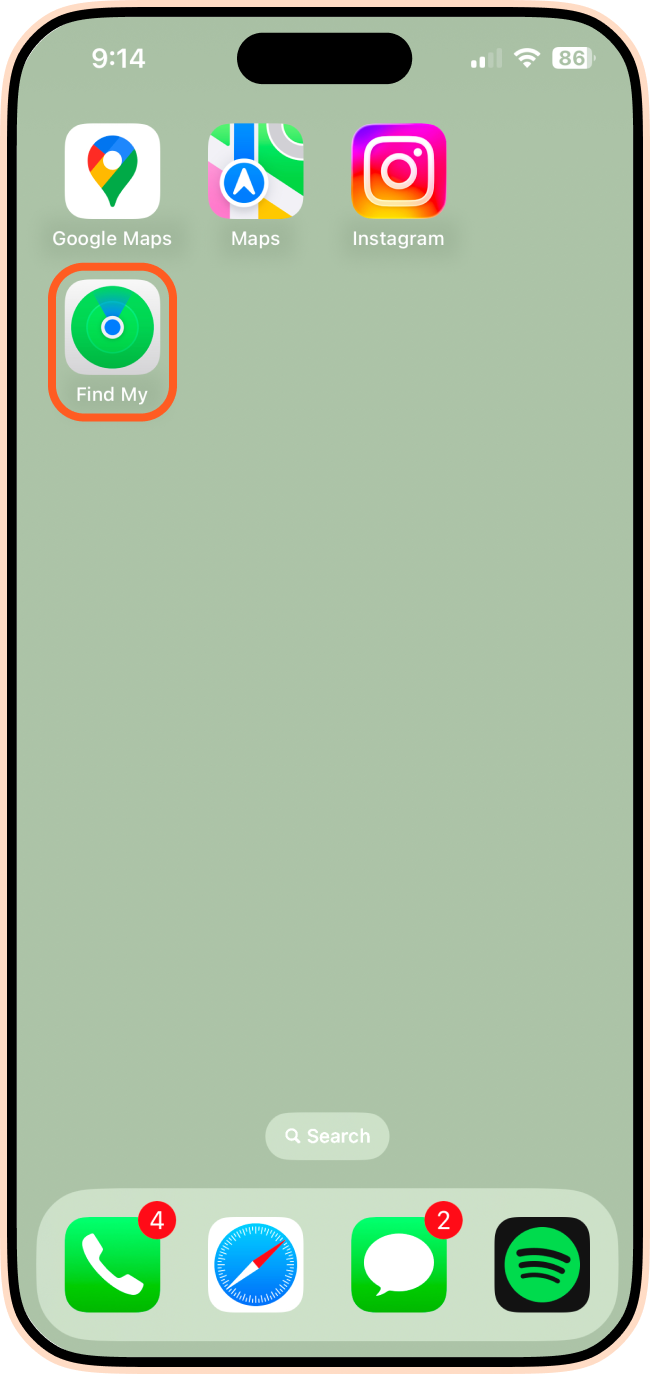
You'll want to open the Find My app to get more information about the AirTag that has been detected. Red dots will mark detection points, and dashed lines will indicate the sequence where the AirTag was detected.
Play a Sound
You can use the Find My app to make the AirTag play a sound, making it easier for you to locate it. Simply:
1. Tap on the notification you received.
2. Tap Continue.
3. Tap Play Sound.
Note: If you can't play a sound, the AirTag may no longer be with you or is close to its owner.
Use Precision Finding
The Find My app is also helpful for precise location finding. The steps are as follows:
1. Tap the notification you received.
2. Tap Continue.
3. Tap Find Nearby.
4. Follow the instructions and move until your iPhone connects to the AirTag.
5. Your iPhone will display the distance and direction to the AirTag, making it easy to locate.
Note: Pair this with the "Play Sound" feature to maximize your chance of finding the AirTag.
Check Your Belongings
If you weren't able to find the AirTag using the methods listed so far, you'll want to check your belongings. Common places to check include:
- Your car
- Bags
- Hoodie pockets
- Coat pockets
Reach Out to AirTag Owners
You can also contact friends and family to ensure they haven't lost an AirTag or attached one to an item you've borrowed. Reaching out to neighbors is also a good idea, as their AirTag might be detected by your phone.
You're now equipped with the tools to determine why it appeared and how to track it down to stay safe. Whether it's a harmless mix-up or something that needs more attention, an AirTag alert doesn't have to be a mystery anymore.
Airalo is here to support you on your adventures! We're here to answer your travel and tech questions, and most importantly, help you stay connected on all your travels with easy-to-install eSIMs.