Whether you’re planning a daytrip from Seoul (서울) to Busan (부산), navigating Seoul in winter, or figuring out the best things to do in Busan in winter, the right apps can make or break your South Korea (한국) trip.
From maps that actually work to taxis you can book without speaking Korean, this guide covers the best travel apps for South Korea with one thing in mind: making your trip smoother from day one.
A reliable South Korea eSIM (or Asia eSIM if you’re hopping between countries) keeps everything running the moment you land, so directions load properly, bookings go through, and late-night food orders don’t turn into guesswork.
If you want to spend less time troubleshooting and more time exploring, these are the apps you should have on your phone.
In this article you will learn:
- which eSIM apps keep you connected in South Korea
- which Korean map apps actually work for navigation
- how to use transport navigation apps to get around easily
- which taxi and ride apps are best for foreigners
- which food delivery and reservation apps simplify dining
- which translation and communication apps make daily travel easier
- how to stay connected and travel smoothly in South Korea
- answers to common questions about travel apps in South Korea
*Terms & Conditions apply
eSIM apps
Airalo
You cannot fully immerse yourself in exploring South Korea without first settling your connectivity needs.
Whether it’s the instant access to English-translated map apps when you get lost in a foreign country, or just staying connected with loved ones to keep them updated on your life, a secure and instant connection is key.
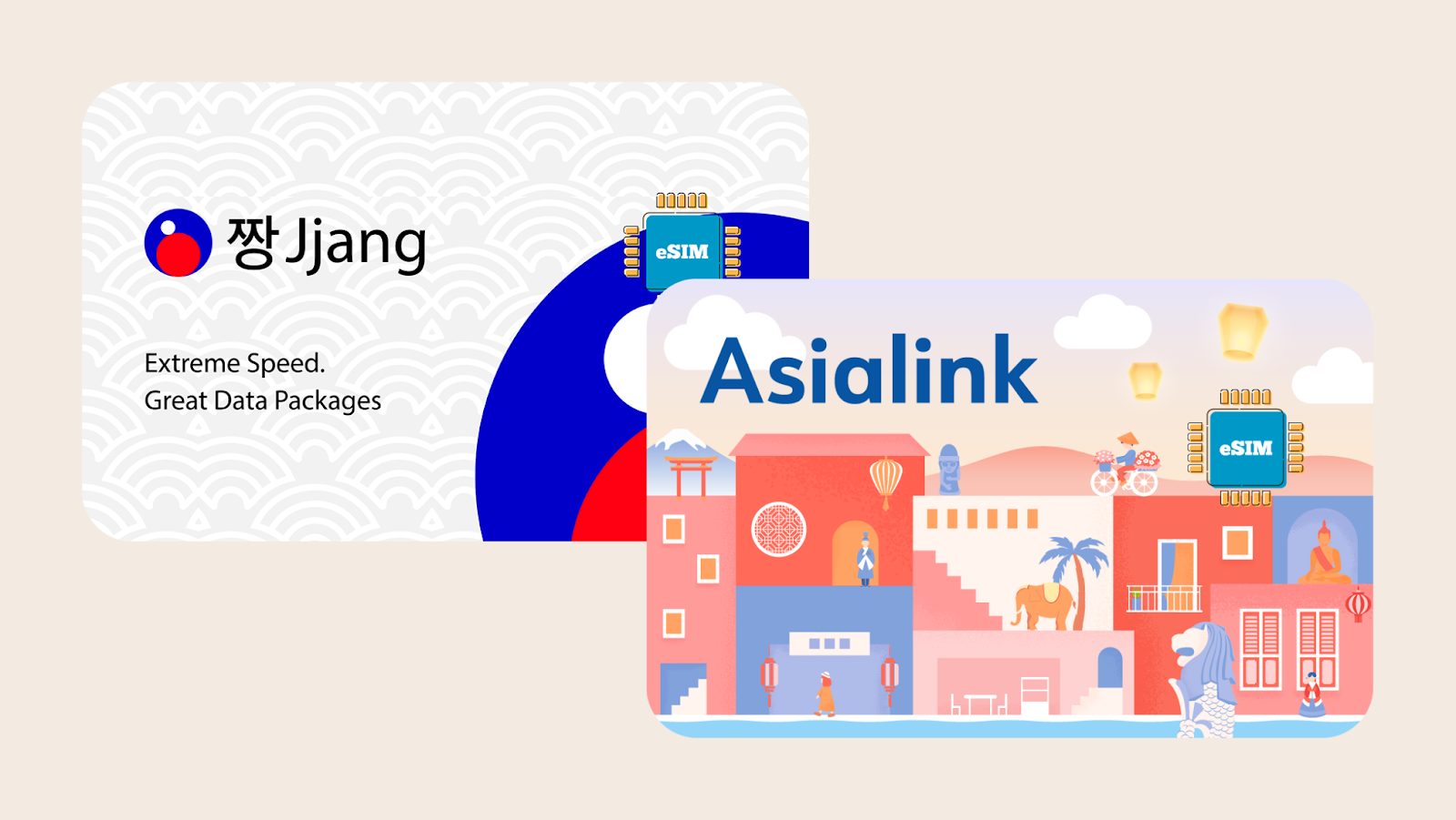
Airalo is your go-to travel buddy, supporting your connectivity needs. It offers dedicated South Korea eSIMs as well as Asia-wide eSIMs, so you can stay connected the moment you land, or move between countries without changing SIMs.
The core benefits are clear:
- A wide choice of data plans — ranging from 1GB to unlimited (South Korea eSIM only)
- Budget-friendly rates with simple top-ups as needed
- Get connected the moment you arrive without waiting in airport SIM queues
- Steer clear of high roaming fees by keeping roaming disabled
- Runs effortlessly on dual-SIM smartphones
Korea Map Apps That Actually Work
Here’s the part that trips up a lot of travelers, myself included at first.
Google Maps technically works in Korea, but it’s unreliable for walking directions and public transit. Sometimes it’s close. Sometimes it’s confidently wrong. Other times, the navigation route won’t even load.
For that reason, download Korean map apps before you go.
Naver Map (네이버 지도)
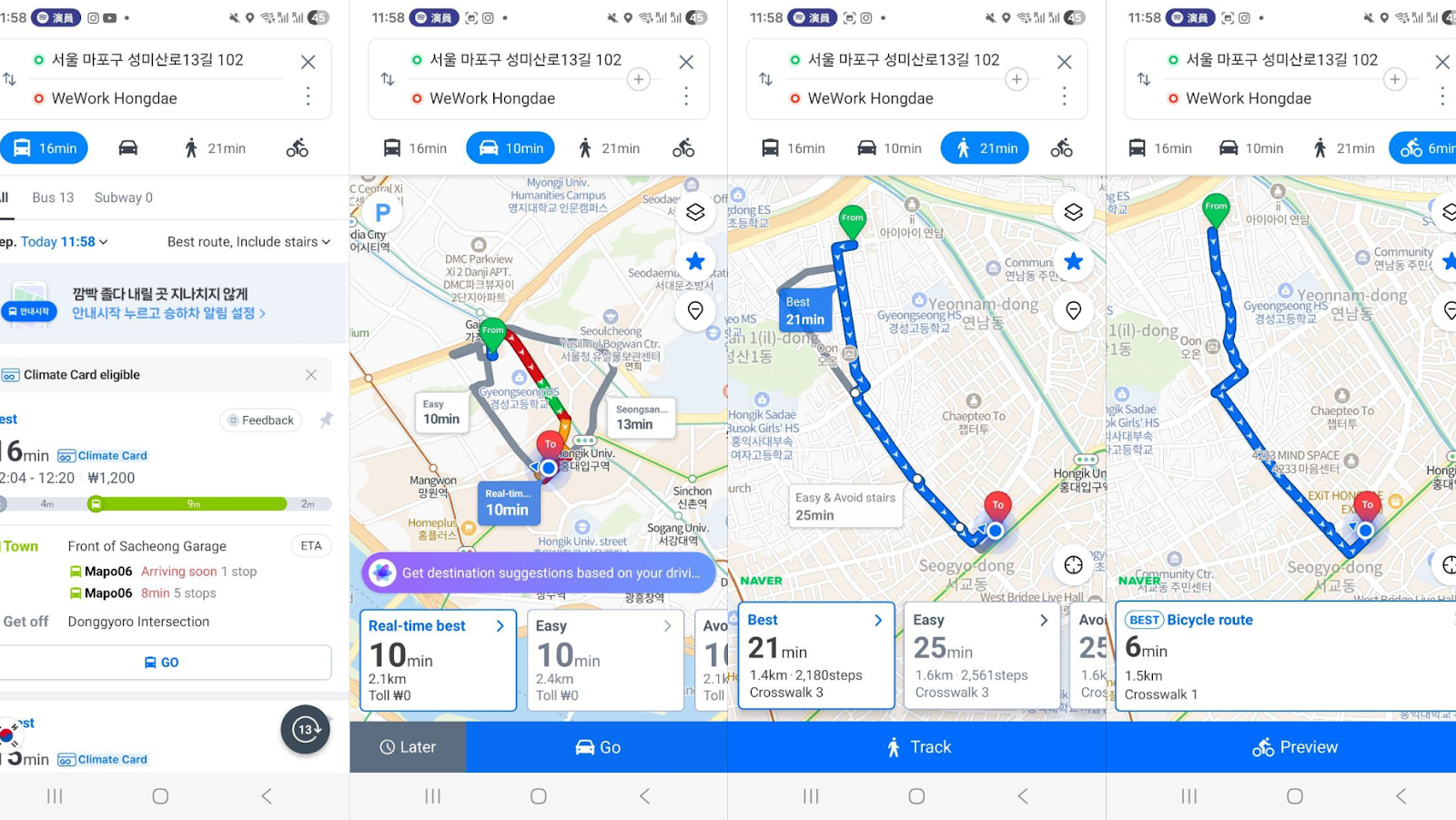
Naver Map is Korea’s primary navigation app, built specifically for local streets, public transport, and businesses.
It handles walking routes, real-time transit directions, and restaurant searches with a level of accuracy you immediately notice when navigating Seoul (서울) for the first time.
For foreigners, it removes friction almost instantly. Routes make sense, timings are accurate down to the minute, and food searches surface places locals actually eat at.
Note that pasting the English address may not work at times. You’ll then need to turn to Google or Naver to find the Korean address to copy and paste it into Naver Maps.
KakaoMap (카카오맵)
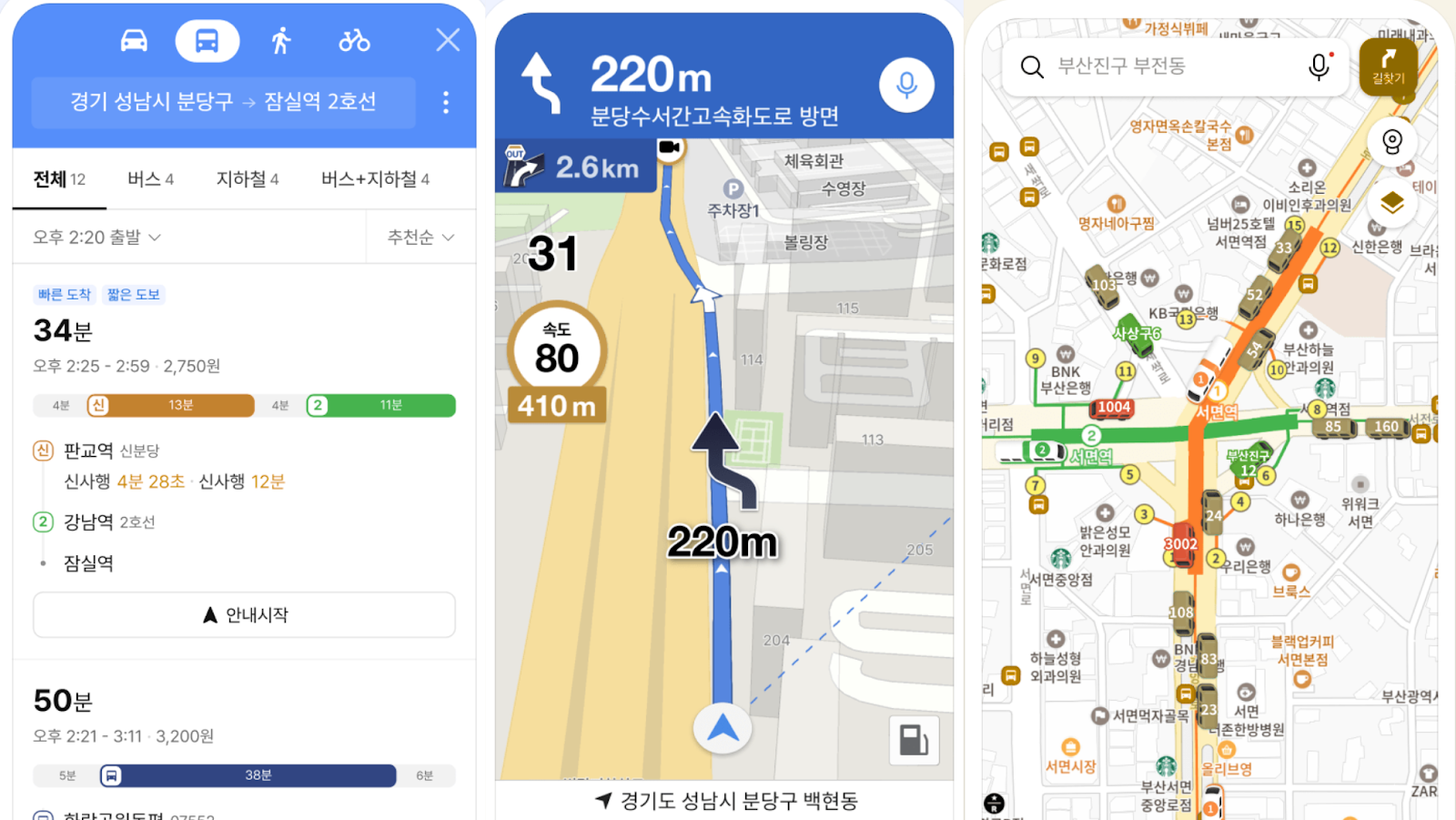
KakaoMap is a Korean map app that focuses on fast, visual discovery and nearby searches. It’s especially strong when you’re already out and moving, helping you spot places around you quickly without overplanning.
Foreigners often find it more intuitive in busy neighbourhoods, where hopping between cafés, shops, and stations matters more than perfect advance planning.
While Naver Map offers better English support, deeper local business info (menus, reviews via Naver Blog & Papago translation), and comprehensive transit details, KakaoMap provides a simpler interface.
It also has better real-time bus tracking (especially for Jeju), and potentially easier bookmarking.
Transport Navigation Apps
KakaoMetro (카카오지하철)
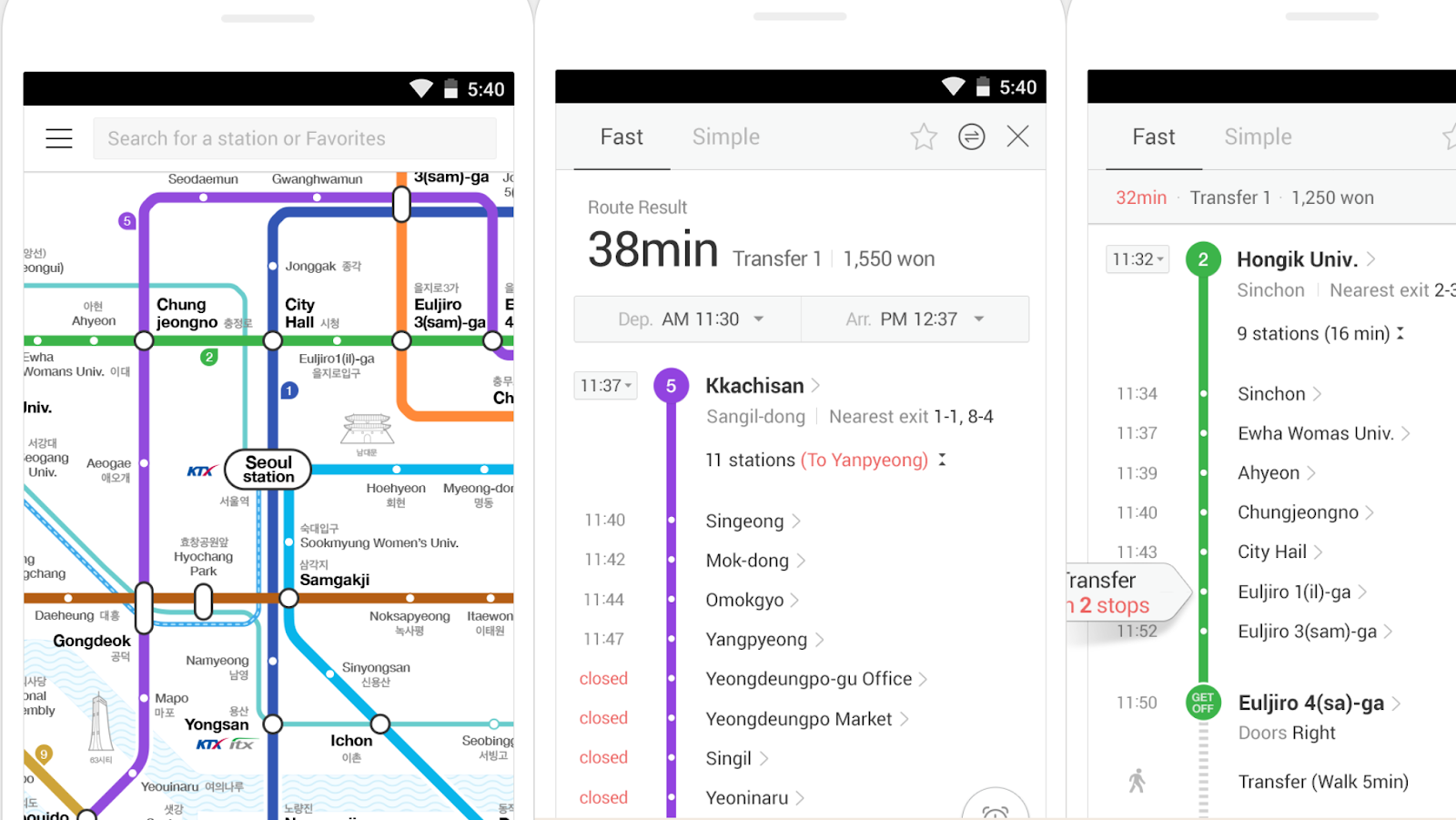
KakaoMetro is a subway-focused app designed to simplify Korea’s rail system. It turns complex line maps into clear routes, showing stops, transfers, and travel times at a glance.
For foreigners, it removes the intimidation of a massive subway network. You can see which line you’re on, how many stops are left, and whether a transfer is tight or relaxed.
Subway Korea (써브웨이)
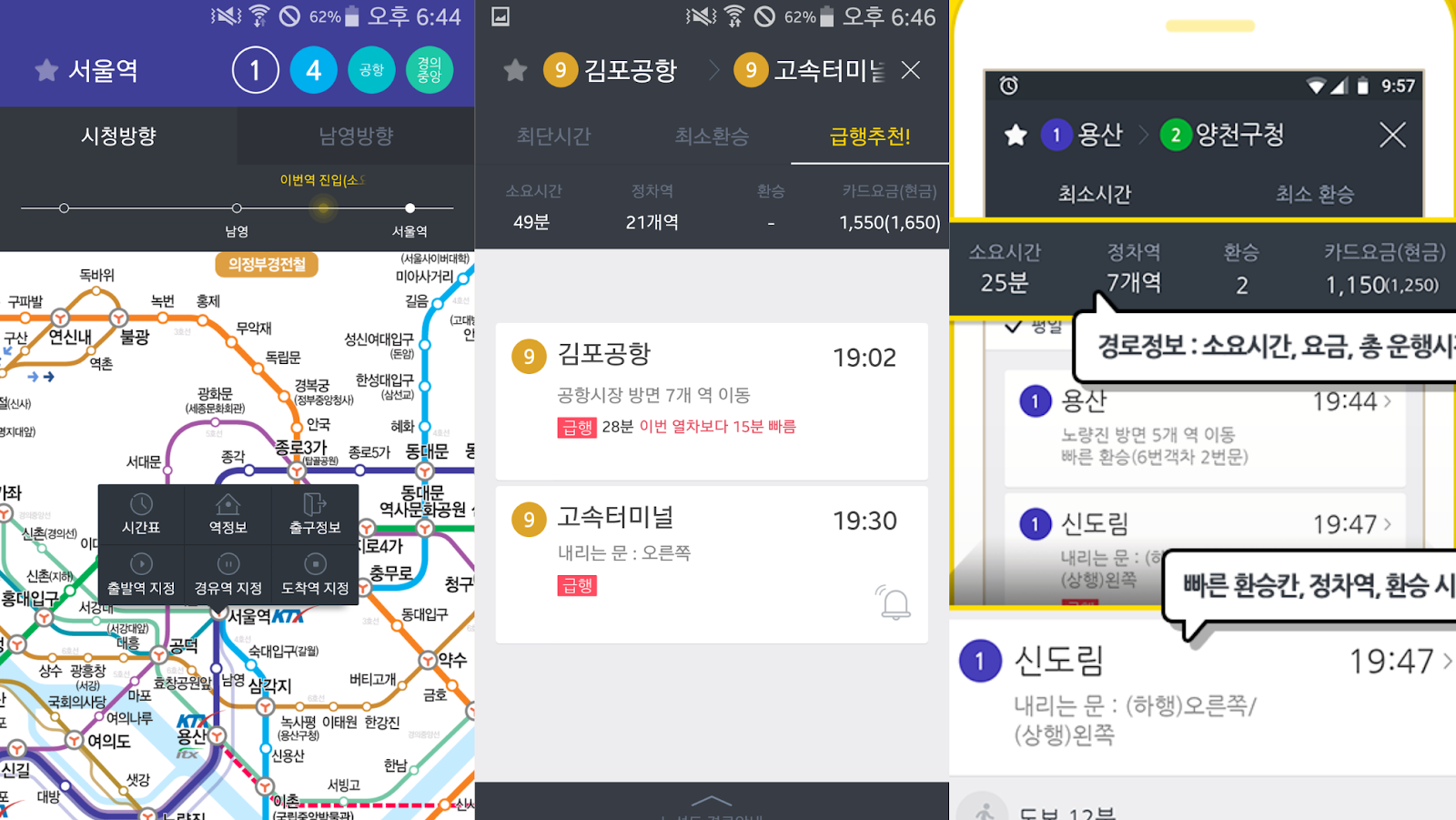
Subway Korea is a detailed subway navigation app that emphasises exits, platform positioning, and last-train timings. It’s built around the reality that in Korea, exit numbers matter.
This is especially useful for foreigners navigating large, crowded stations.
Knowing the right exit can save several minutes of walking and a lot of frustration, particularly during rush hour. Use it to move with intention, avoid unnecessary detours, and get from train to street without added stress.
Taxi and Ride Apps for Foreigners
Kakao T (카카오 T)
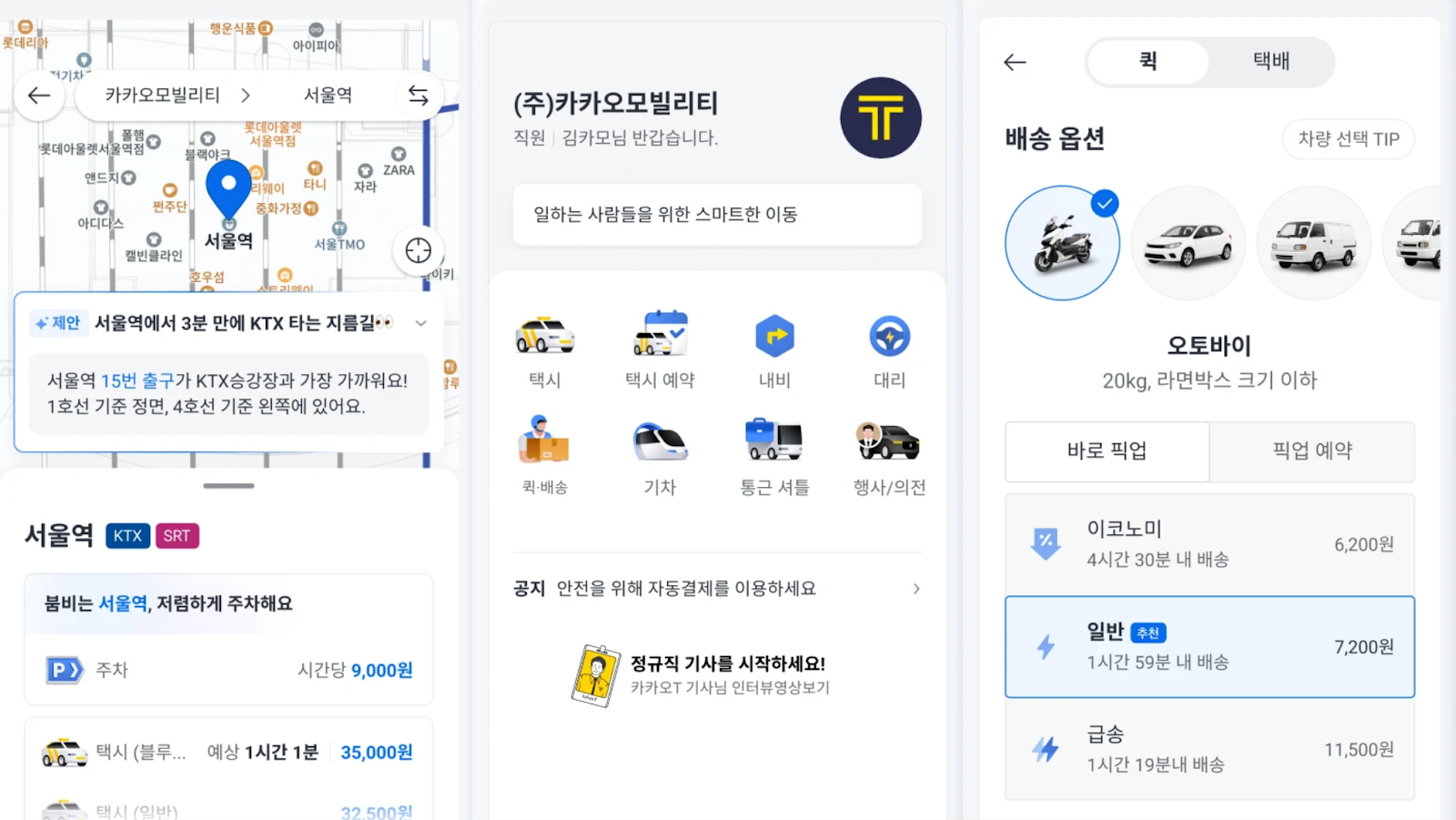
Kakao T is Korea’s main taxi-hailing app, used by locals for everyday transport across cities. It lets you book taxis, see routes, and handle payments all in one place with minimal friction.
For foreigners, it feels surprisingly accessible. The booking flow is clear, drivers know exactly where they’re going, and you don’t have to explain addresses out loud.
You should use it because it removes uncertainty in situations where you want predictability, such as late nights, bad weather, or unfamiliar destinations.
Note that Kakao T is a ride-hailing app, while Naver Map and KakaoMap are navigation apps.
k.ride (케이라이드)
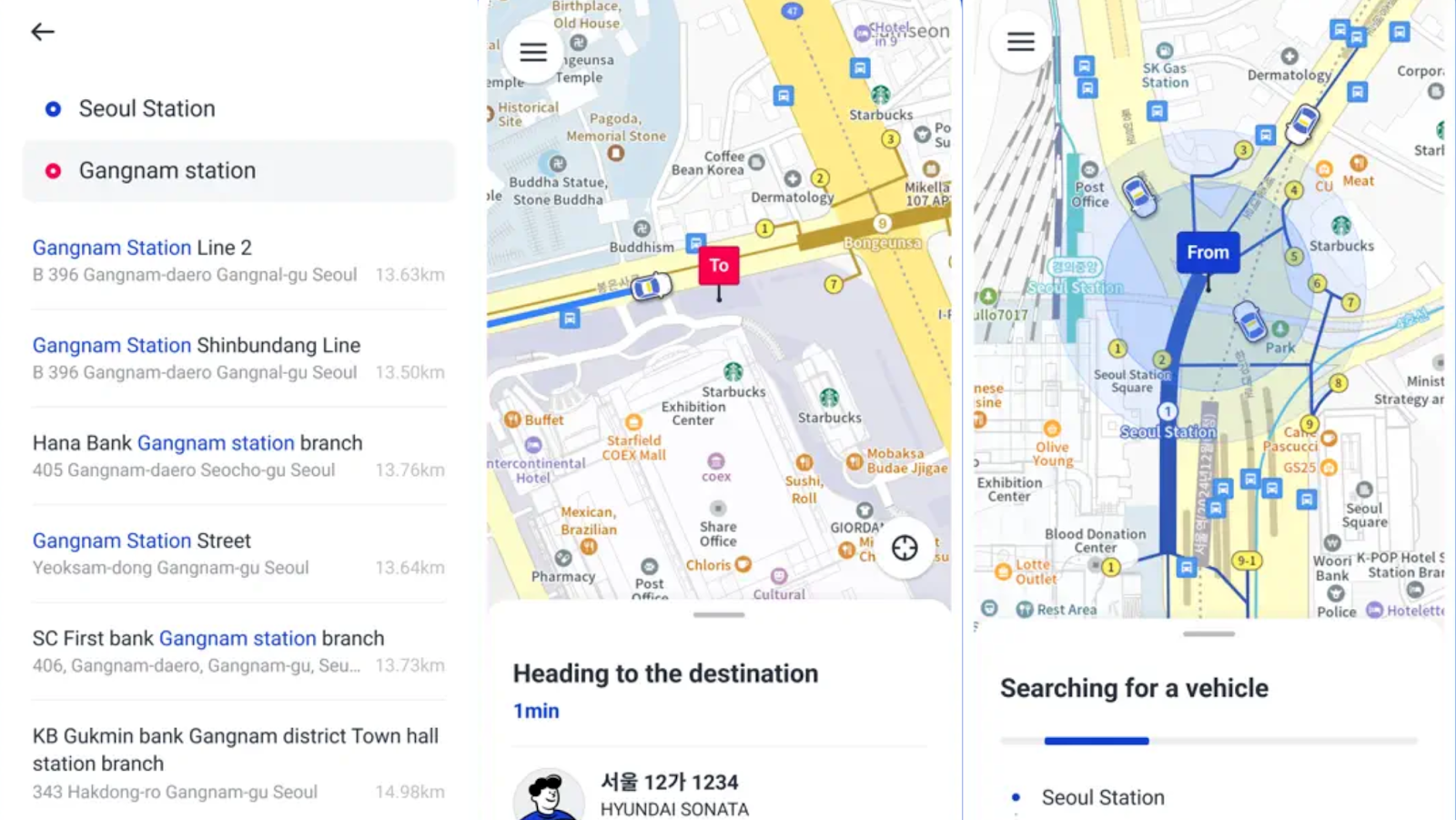
is a ride-hailing app built with simplicity at its core. It’s known for its quick setup, clean interface, and minimal verification. If you’re early in your trip and just want something that works without a lot of decisions, this one feels refreshingly straightforward.
Because it removes extra steps and friction, many foreigners find it easier to use it in the first few days abroad. Its value lies in simplicity: when you want a ride now (not later) and don’t want to fuss with settings, this is the app to reach for.
Uber
Yes, Uber does work in Korea, particularly in Seoul, but it’s not the powerhouse it is elsewhere.
Fewer cars are available, and wait times can be hit-or-miss. There were days when I couldn’t get a ride to my co-working space in Hongdae (홍대). That said, I had no issues most of the time.
Still, I keep it installed. Familiar interfaces have value, especially when you’re tired or navigating a new place. Uber earns its spot as a great backup.
You might not use it as often, but when you need it, you’ll be glad it’s there.
Food Delivery and Reservation Apps
Baemin (배달의민족)
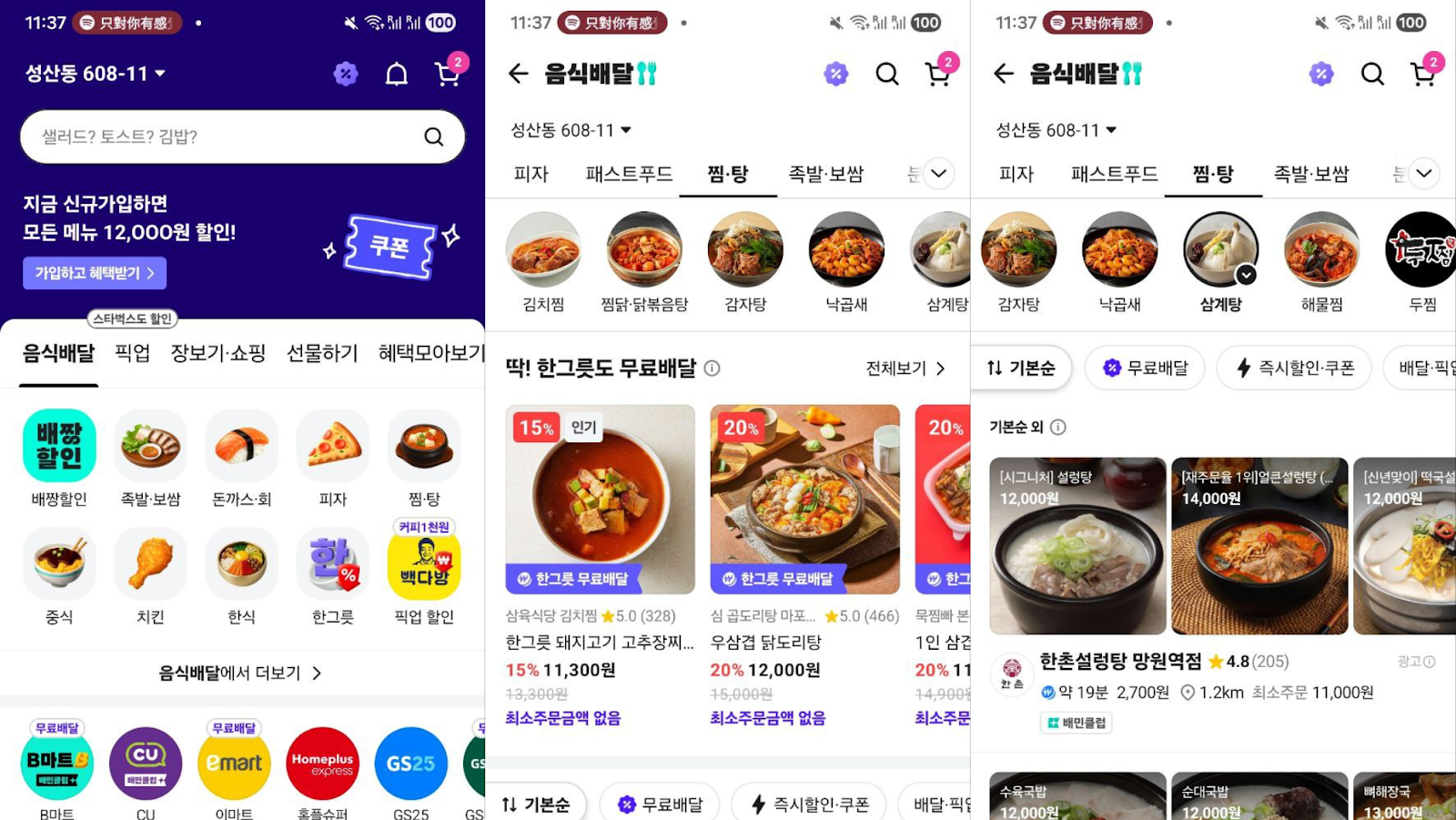
Baemin is one of Korea’s most popular food delivery platforms, bursting with local and late-night restaurant options. Though its interface might seem busy at first, filters, images, and reviews help you narrow choices quickly.
For foreigners, it’s often accessible even without a Korean phone number, a feature that is not common among local delivery apps.
That said, if you want to order items like groceries or things that take a few days to arrive, you’ll still need a Korean number. I learnt that the hard way when I tried to order protein powder to last me a month here.
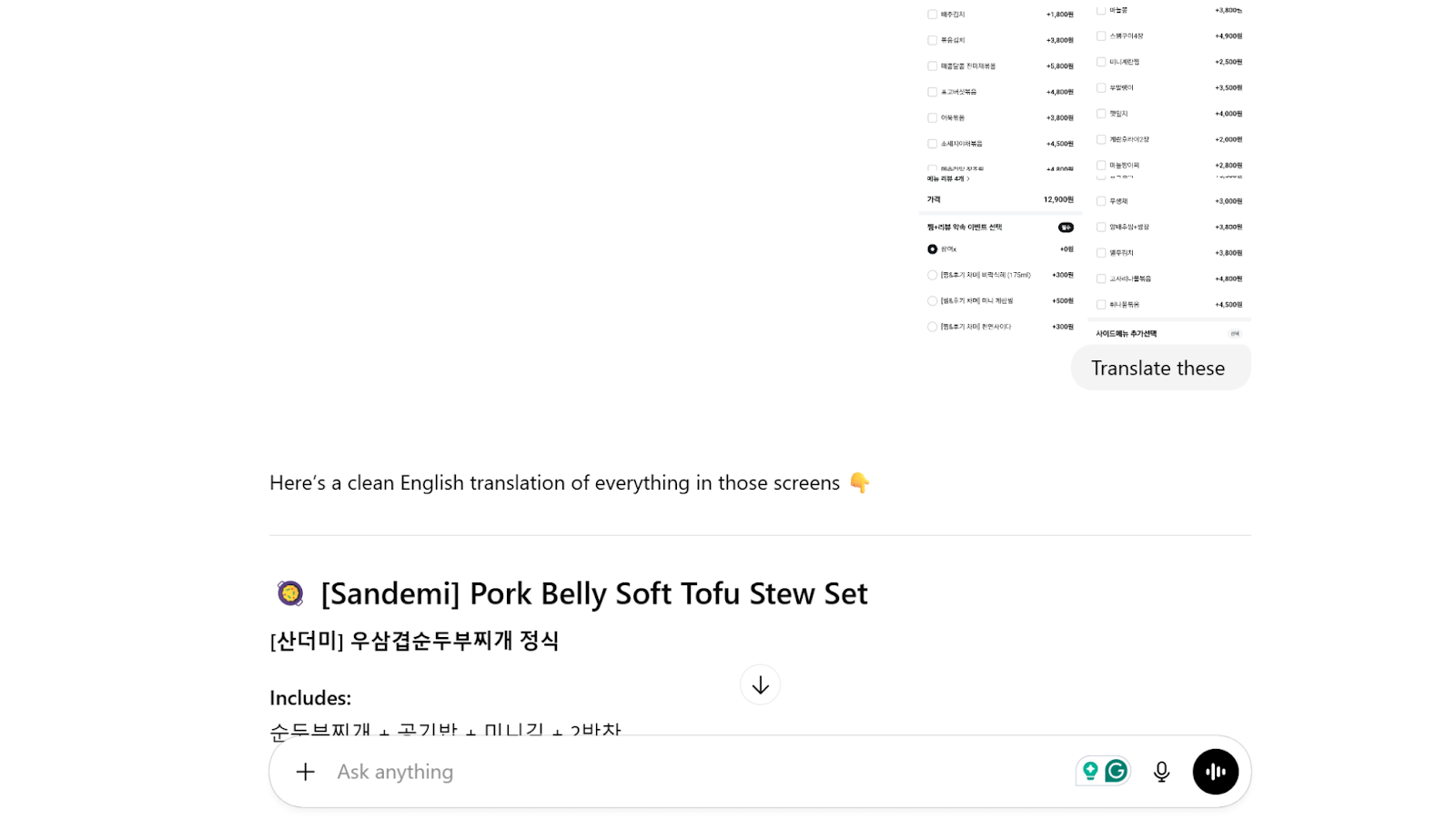
The app also has no English translation. My workaround is to take multiple screenshots of each item's order page and upload them to ChatGPT to translate them. Works like a charm.
Shuttle Delivery (셔틀 딜리버리)
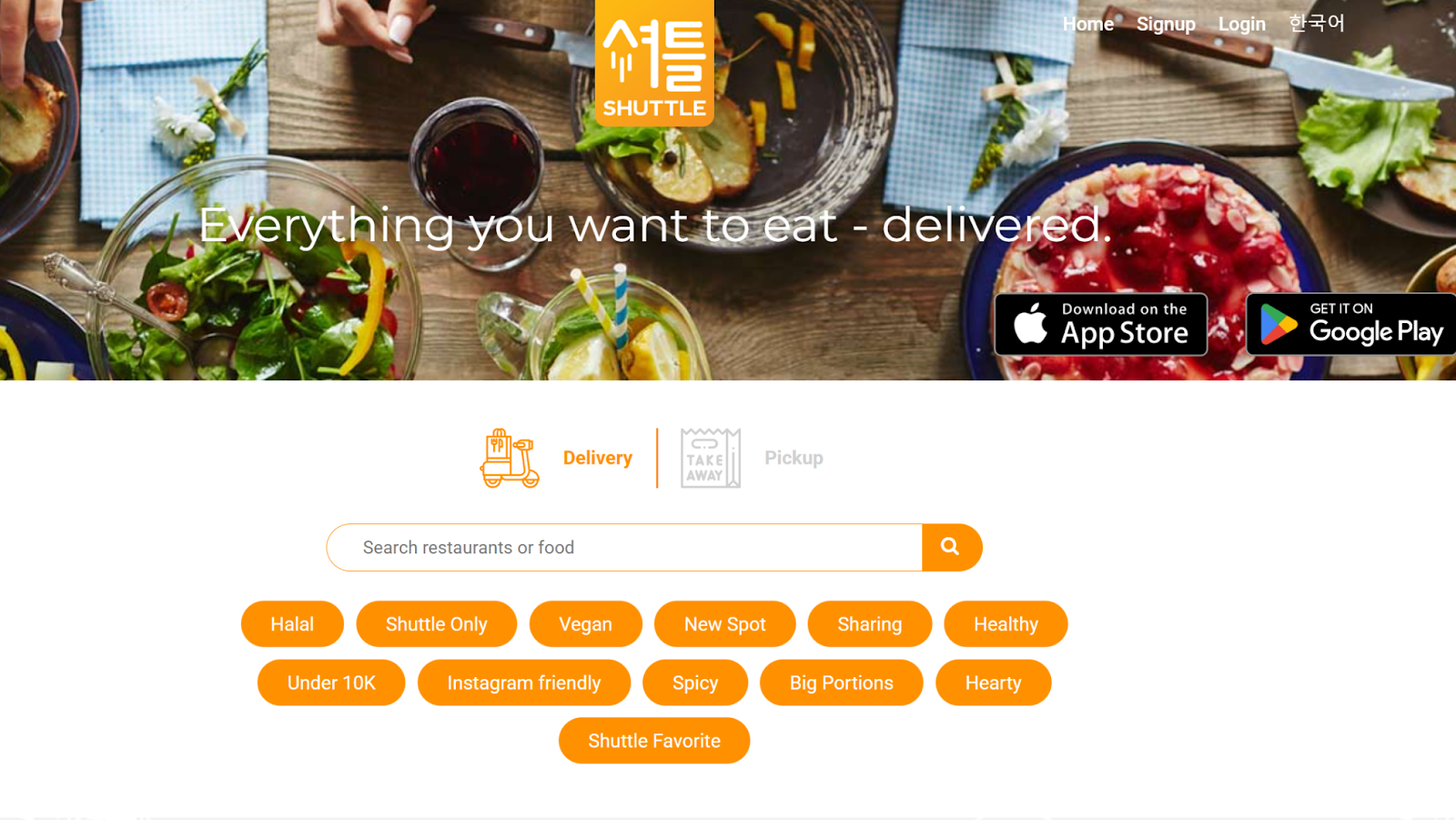
Shuttle Delivery is another foreigner-friendly app that offers a smaller, more curated set of restaurants with strong language support (English, Mandarin, Japanese, and Korean).
If ordering through larger apps feels intimidating, this one keeps things simple and friendly, not overwhelming.
Because of that reduced choice, you spend less time decoding menus and more time eating.
On short stays or late nights when decisions feel heavy, this app keeps food ordering stress-free and straightforward.
HungryPanda (헝그리판다)

HungryPanda focuses on Asian cuisine, especially Chinese. The selection isn’t endless, which makes picking something quicker and more intentional, rather than scrolling forever.
For those moments when you know exactly the comfort food you want, this app delivers. It’s the one to use when cravings hit and indecision doesn’t; you’ll find hearty regional dishes without needless searching.
Catchtable (캐치테이블)
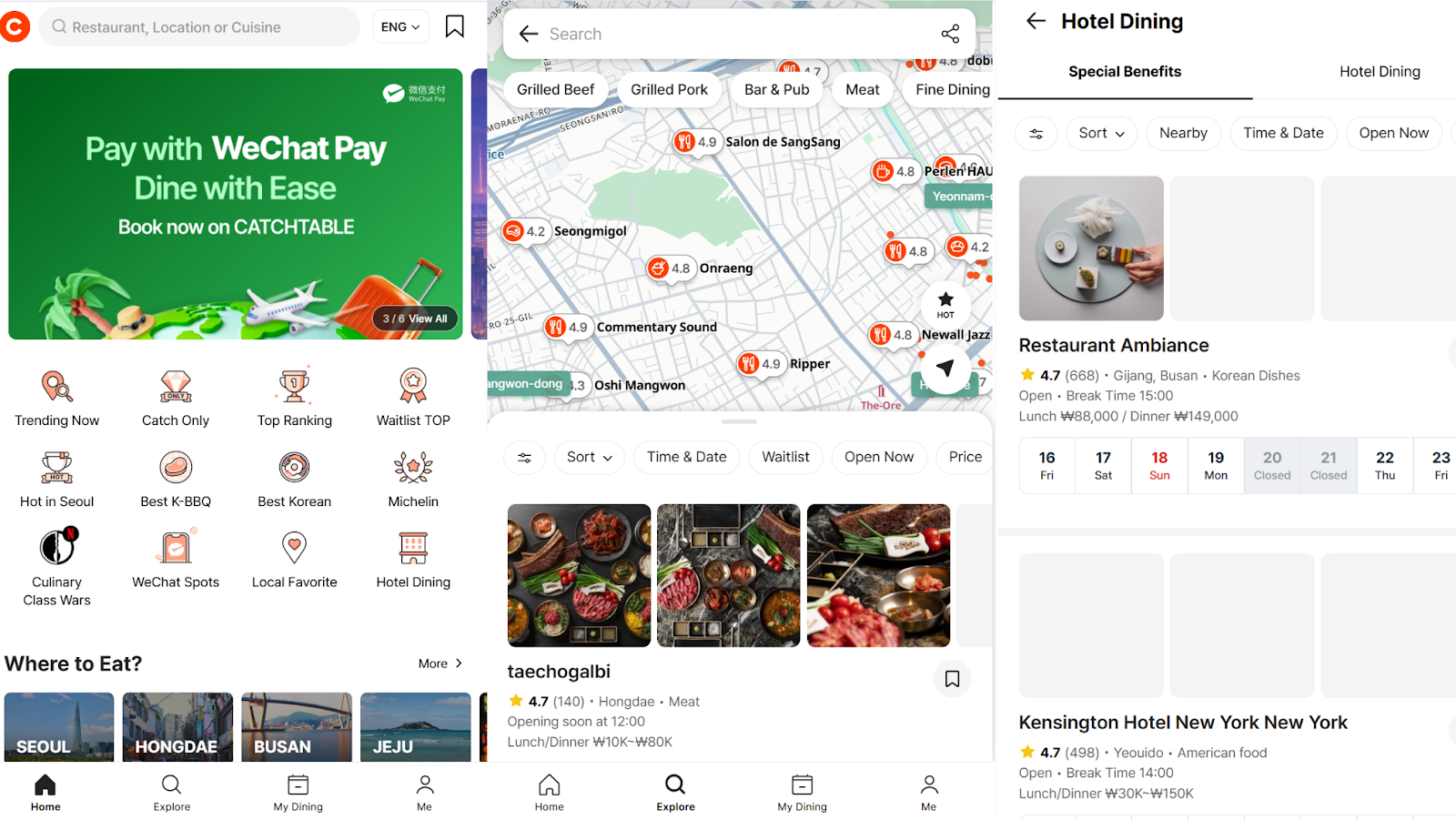
Catchtable is a popular South Korean restaurant reservation and waitlist app. It offers an all-in-one service to find, book, or join queues at thousands of restaurants.
When dining during peak times or weekends, this level of control is a game-changer. Book through the app, time your arrival, and avoid crowd frustration.
I use Catchtable most during peak dining hours, especially on weekends.
Being able to time my arrival instead of hovering outside a restaurant frees up time and patience, which are both in short supply when you’re exploring a city this exciting.
Translation and Communication Apps That Make Life Easier
Papago (파파고)
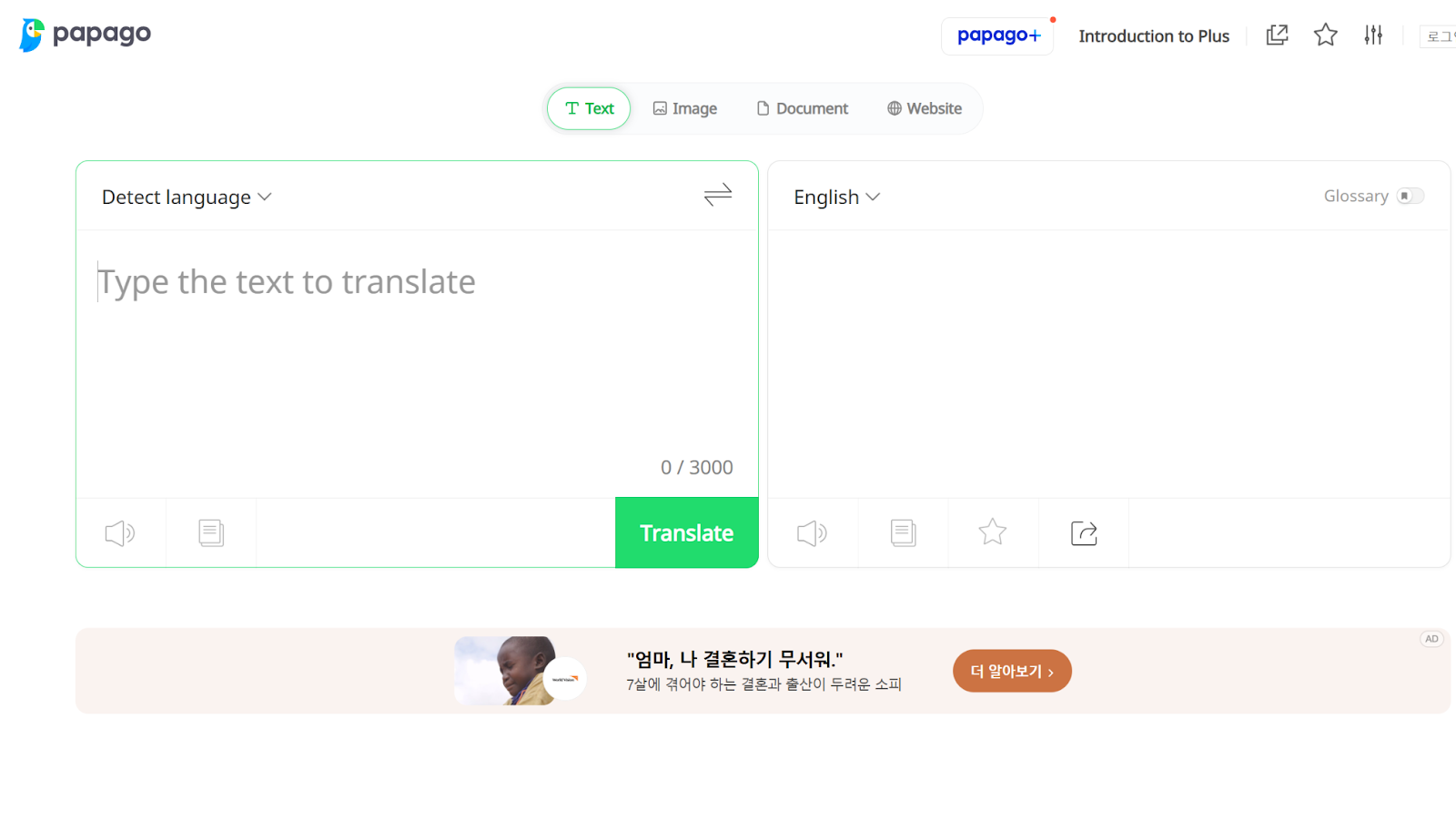
Papago is a translation app tailored to Korean, equipped with text, voice, and image tools. Unlike many generic translators, it handles context and nuance more accurately.
Menus stop feeling like puzzles, signs become readable, and short conversations lose some stress. You won’t become fluent overnight, but Papago makes everyday interactions functional. This makes a huge difference when you’re finding your feet in a new city.
KakaoTalk (카카오톡)
KakaoTalk is a messaging app that forms the backbone of communication in South Korea.
Restaurants send reservations through it, tour providers update plans via it, and accommodations often prefer it over email.
Note that KakaoTalk protects new users through automated anti-abuse systems that restrict features like creating chats or adding friends if unusual activity (e.g., rapid additions or overseas numbers) is detected, preventing spam and fraud.
The downside is that it can make communicating with businesses a little more difficult. I wasn’t able to connect my gym’s (Ablegym Hongdae, 에이블짐 홍대입구역점) business account after setting up my KakaoTalk.
Your Shortcut to Feeling at Home in South Korea
Getting around South Korea is infinitely easier when you have the right apps and reliable data to power them.
From maps and taxis to food delivery and translations, these tools remove friction from everyday travel, but they only work as well as your internet connection.
Using a South Korea eSIM keeps you connected the moment you land, while an Asia eSIM makes cross-border travel seamless if your trip doesn’t stop at one country.
Set things up before you arrive, stay online without stress, and spend less time troubleshooting and more time actually enjoying the journey.
*Terms & Conditions apply
FAQs About Travel Apps for South Korea
What map app should I use in Korea?
I rely on Naver Map as my main navigation tool, with KakaoMap as a strong backup.
Together, they cover walking routes, transit, and nearby places far better than global alternatives.
Can foreigners use taxi apps in South Korea?
Yes, absolutely.
Apps like Kakao T and k.ride are foreigner-friendly, and Uber works in Seoul as well.
You don’t need to speak Korean to get around comfortably.
Do I need mobile data for Korea travel apps?
You do.
Most of these apps depend on real-time data for directions, bookings, and updates.
Having connectivity from the moment you land makes everything smoother.
Which food delivery apps work for tourists?
Baemin works well for many travelers, and Shuttle Delivery is great if you want strong language support.
HungryPanda is also popular if you’re craving specific Asian dishes.